An electroplating power supply or rectifier provides process context, but that context does not by itself define a contactor. First identify the circuit path, the controlled action and the approved drawing that governs the request. This keeps a process label from becoming an unsupported component selection.
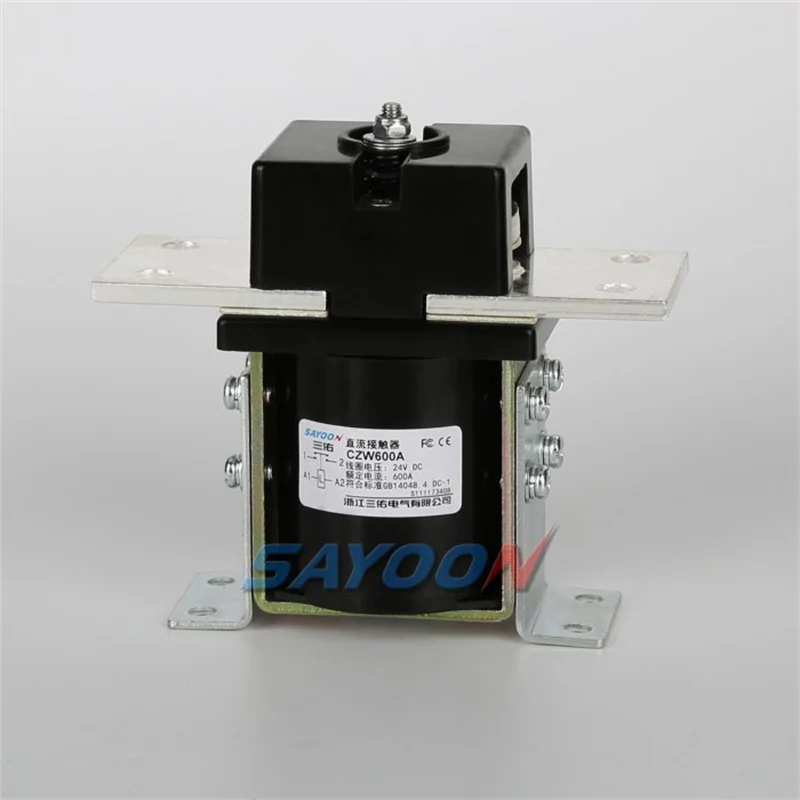
This first-party CZW600A photo provides component context only; it does not show an electroplating installation or establish process compatibility.
Separate process context from switching action
| Enregistrer | What it resolves |
|---|---|
| Circuit path | Whether the request concerns a supply, auxiliary or other documented path |
| Controlled action | What opens or closes, who commands it and the required default state |
| Preuves déterminantes | Which drawing revision, label and project conditions must be checked |
Build the record before the product request
- Identify the circuit path and required contact behaviour.
- Record the control input and the required state when it is absent.
- Attach the drawing revision and existing label for a replacement.
- List the project conditions and approvals the responsible team requires verified.
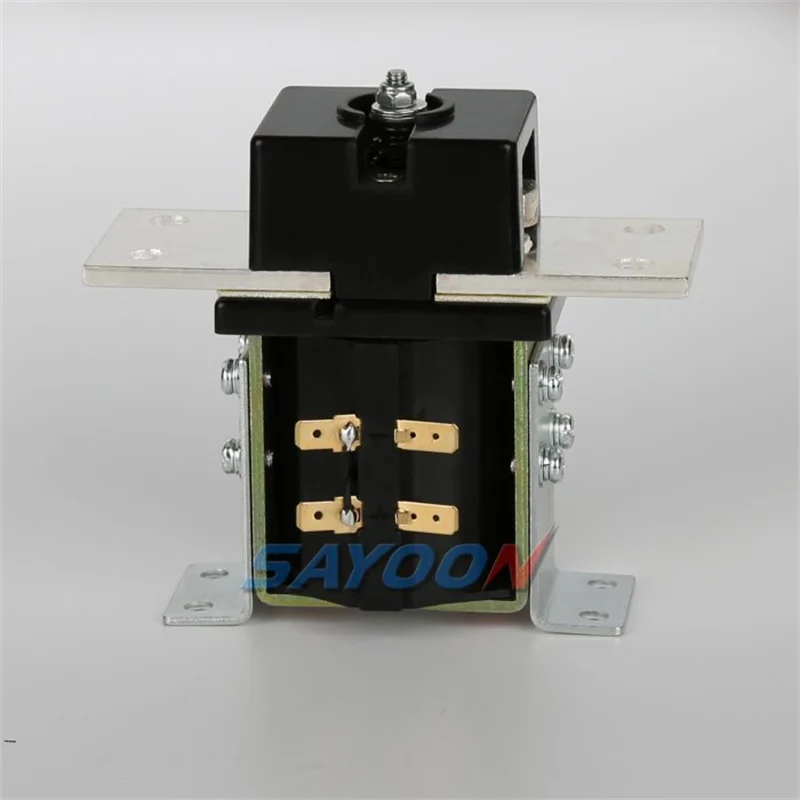
A terminal-side photo is a documentation prompt, not a wiring instruction or a claim about a process duty.
For a focused default-state review, use the NO and NC contactor configuration guide. For a broader category step, see types of DC contactors used in OEM and integrator projects.
Continue after the requirement is clear
Once the documented controlled action is clear, the SAYOON CZW Series DC Contactor page provides a product-document route. It does not mean every CZW model fits a particular rectifier, plating chemistry, supply path or operating duty. Ask the technical team to compare the project record with the offered product information.
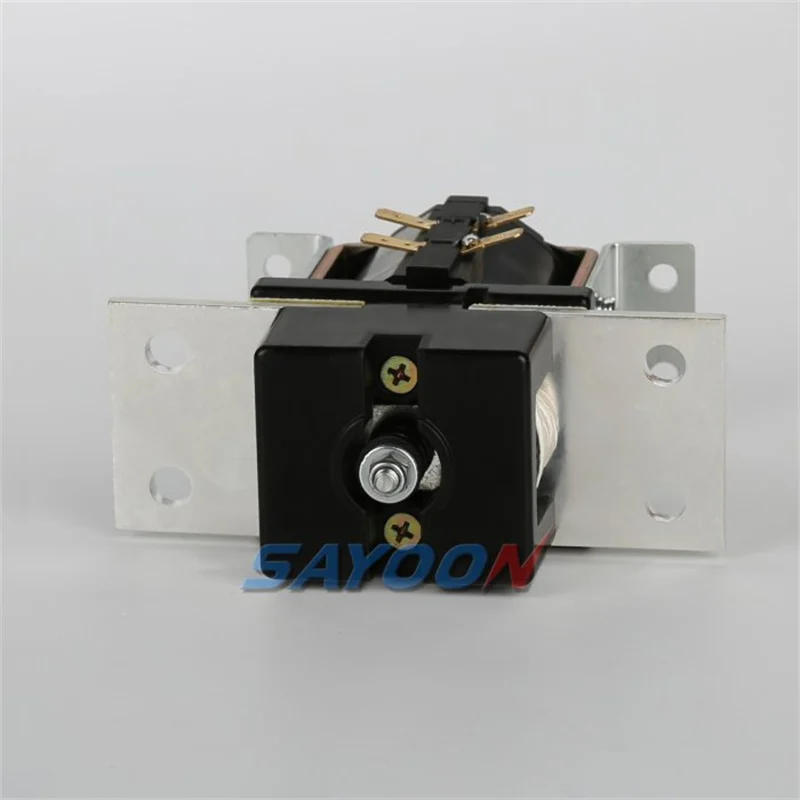
First-party CZW600A media supports the product-document path only; it does not imply model fit or process performance.